
 John Peter
 1. Vertical Videos
Most people now watch video with their phone held upright, and platforms reward formats that fill the screen. A vertical cut of an event recap or speaker clip often reaches twice as many people as the same video in landscape, with no extra filming.
Shoot once, crop twice: plan every frame so it works in both 9:16 and 16:9.”
2. Short Videos (6-8s)
Six to eight seconds is enough for one idea and one feeling. Short clips work best as teasers that lead somewhere: a registration page, a full talk or a speaker interview.
Keep the first second visual and easy to follow on mute, because most clips autoplay without sound. Captions are not optional.
- Open on motion or a face, never on a logo.
- End with one clear next step and keep it the same across the series, so viewers learn where to go: the ticket page, the speaker profile or the full replay.
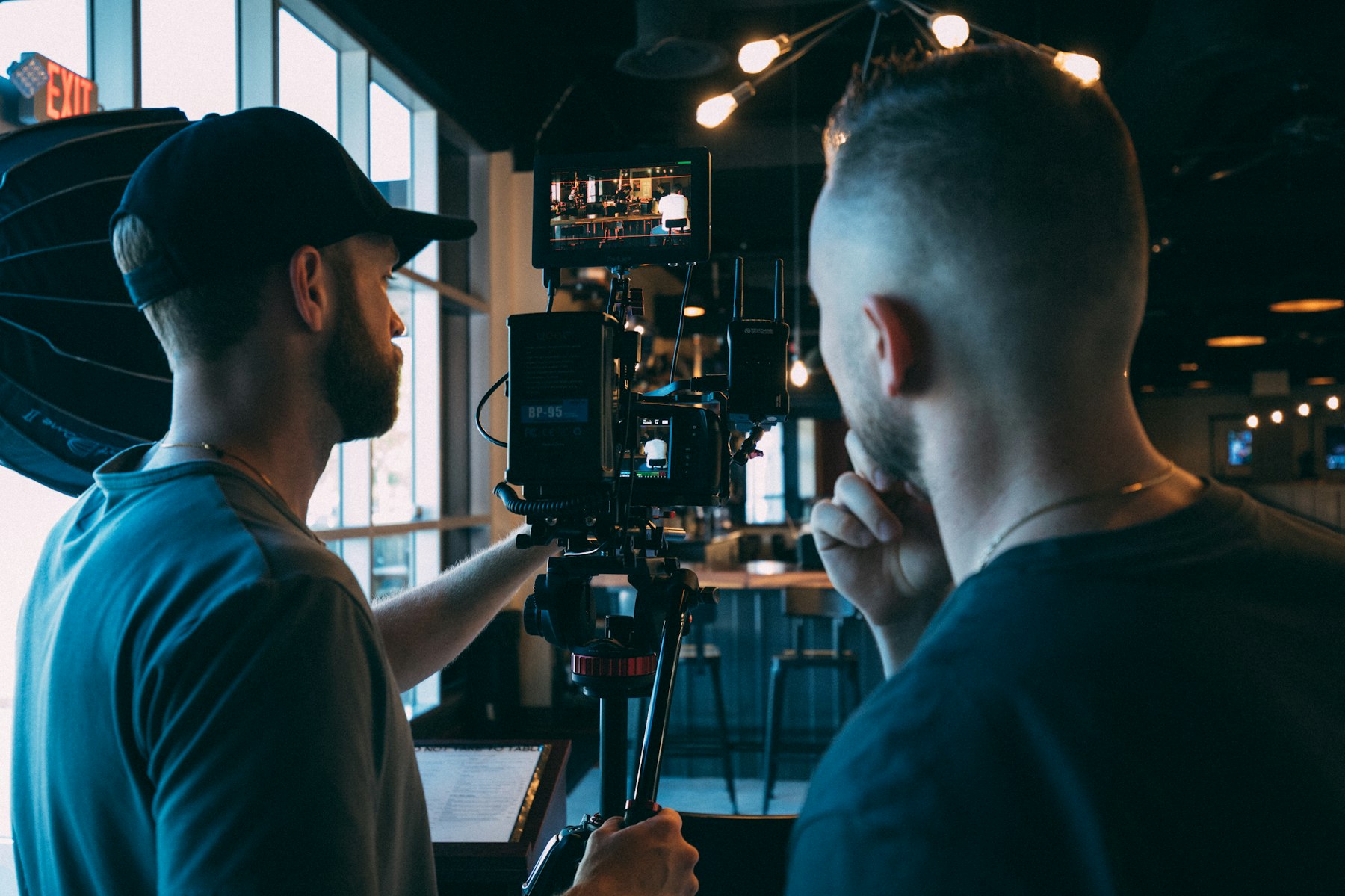
How to Produce Great Short Videos
You don’t need a studio. Window light, a phone on a steady surface and a clip-on microphone will beat an expensive camera with bad sound. Plan the shot list before the day so every clip has a purpose.
- Record in 4K so you can crop vertical and horizontal versions later.
- Film three takes of every line; the third is usually the natural one.
- Edit to the beat of the music, then cut every pause longer than half a second.
3 Tips for Engaging Short Videos
Engagement comes from relevance, not polish. Speak to one viewer, answer a question they already have and post when your audience is actually online.
Hook: show the result first, then explain how you got there.
Rhythm: change the shot every two or three seconds.
Reply: answer comments with new short videos to keep the thread going.
Relevant Resources and Tools
A free editor such as CapCut, or the tools built into Instagram and YouTube Shorts, covers most needs. Automatic captions are a good start, but always check names and numbers before you publish.
Track saves and shares rather than views. They show which clips people found useful enough to keep or pass on.
More Video Marketing Tools
Descript lets you edit video by editing the transcript, Canva handles quick branded layouts, and a simple spreadsheet is still the best way to plan a month of posts.


 Abraham Stach
 Marilyn Jood
 Valentin Erns
 Jessica Urlan
 Karl Woods